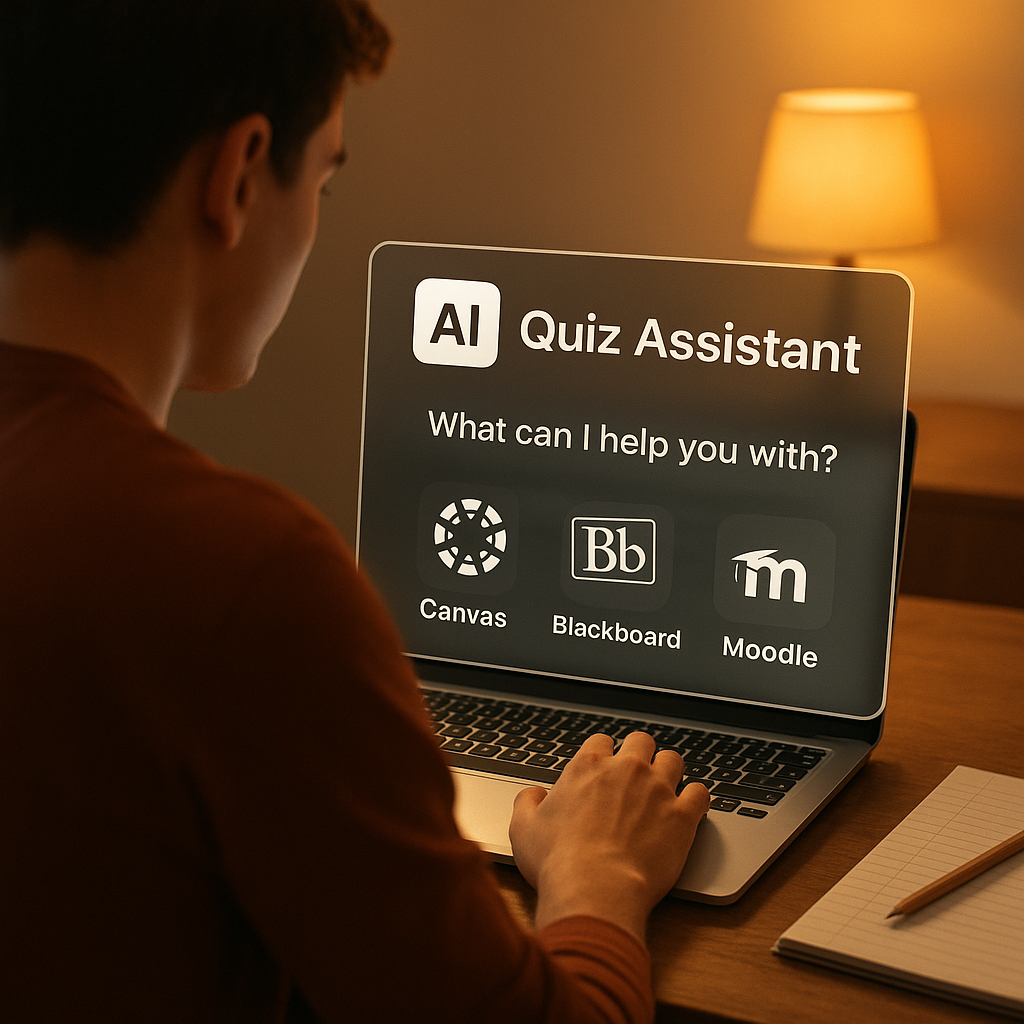
Ever stared at a quiz on Canvas or Blackboard and wished you had a calm study buddy in the corner? You're not alone. AI tools are quietly changing how students prepare: they summarize tricky questions, suggest study paths, and give instant feedback. But hey — there's a line between smart study and crossing the rules, right? Let's walk through how these systems work across major learning platforms and where an online quiz helper actually helps you learn — ethically and effectively.
The landscape: major platforms you probably use
Most schools run one (or more) of these popular learning management systems (LMS):
Canvas— clean UI, lots of integrations, used by many universities.Blackboard— classic enterprise LMS, robust but can feel heavy.Moodle— open-source and flexible, common in community colleges.- Other platforms — Brightspace, Sakai, proprietary campus systems.
Each LMS delivers quizzes differently: some let instructors set practice modes, others lock down proctored exams. That matters a lot for whether AI help is okay.
Where AI help shines (and where it shouldn’t)
AI-powered helpers are great for boosting study, not for beating supervision. Here are clear, practical uses:
- Practice and drill: quick explanations, targeted flashcards, instant hints.
- Review sessions: summarizing missed concepts after a test, suggesting weak topics.
- Homework guidance: step-by-step breakdowns to understand methods (not copy-paste answers).
- Study planning: personalized quizzes, spaced repetition, and progress tracking.
Don't use AI tools to answer proctored or timed, closed-book exams. That’s cheating, plain and simple. If a quiz is monitored, automated help crosses ethical and academic boundaries.
Tip: If a teacher labels a quiz as "practice" or "formative," that's your green light to learn with tools. If it’s summative, hold back and study offline.
Where automated help works best — platform by platform
| Platform | Best AI-assisted uses | Where to avoid AI help |
|---|---|---|
| Canvas | Practice quizzes, formative feedback, study guides | Timed, proctored quizzes unless instructor allows |
| Blackboard | Homework walkthroughs, review sessions | Final assessments under monitoring |
| Moodle | Self-paced practice modules, flashcard export | Locked quizzes set by instructor |
These are general rules — instructors can enable or disable practice modes. Always check the quiz settings or syllabus.
Two very human examples
I remember a friend, Maya, who used an AI summary after a long lecture. She fed a set of sample questions into a tool and it created a 10-question mock exam. She nailed the real quiz because she recognized the question patterns — not because the AI did the work for her.
Another student, Sam, tried using an AI during a timed online final. The proctor flagged suspicious copy-paste behavior and he faced an academic integrity review. Oof — a harsh lesson that some shortcuts aren’t worth it.
How to use an online quiz helper the right way
Here’s a friendly checklist you can actually follow:
- Read the quiz rules. If it’s labeled practice, go ahead.
- Use AI for explanations, not answers. Let it explain concepts so you can rework them in your own words.
- Turn insights into active recall: rephrase questions, make flashcards, simulate test conditions.
- Keep a learning log: note what you got wrong and why.
- When in doubt, ask your instructor — transparency builds trust.
If you want extra hands-on practice, try tools that provide curated practice quizzes so you can drill the exact skills you need.
Quick tech notes — how AI integrates with LMSs
Many AI helpers work in two ways:
- Browser extension or overlay: hooks into the page and gives contextual hints. This is common for study-time overlays.
- Standalone web apps: you paste questions or upload files, get explanations and mock tests.
A few instructors integrate AI-provided analytics into course dashboards, letting you see where the class struggles. That’s actually one of my favorite uses — instructors can adapt their teaching when everyone’s tripping over the same concept.
A pragmatic ethics guide for students
Learning is a two-way street. Use AI to enhance understanding, not to replace the mental effort. Think of an online quiz helper like a friendly tutor: it nudges you, points to resources, and clarifies where you're stuck. But the muscle memory — the knowing — comes from grappling with problems yourself.
Here are a few ethical guardrails:
- Don’t use AI on closed-book or proctored assessments.
- Credit human or AI help when it shaped your work if policies require it.
- Use tools that emphasize learning (explanations, hints) over answer generation.
Practical study routine with AI (a short ritual)
- Warm-up: 10 minutes of quick flashcards or a short practice quizzes set.
- Deep work: 30–45 minutes solving problems with an AI for hints, then redoing without help.
- Reflection: 10 minutes logging errors and planning a mini-review a day later.
This rhythm keeps the help productive and prevents dependency.
Final thoughts — you’ve got options, use them wisely
AI has become a smart study buddy — if you let it be that. Across Canvas, Blackboard, Moodle and others, automated helpers can make practice more efficient, reduce burnout, and highlight blind spots. But ask yourself: are you learning, or just copying? If you lean on AI for clarity and then test yourself without it, you’re doing it right.
Curious to try a helper that focuses on learning, not shortcuts? Check out targeted resources and remember to keep a human-first approach: the goal is understanding, not just a grade. Happy studying — and don’t forget to stretch between sessions, you’ll think better that way!